Onboarding completed. Customer not adopted.
There’s a moment in after-sales that gives a false sense of peace, and it’s when an onboarding is marked as completed.
- Training completed
- Users created
- configuration finalized,
- checklist all green.
The team is happy because the account moves to “active” and advances to the next phase of the cycle. The problem with that account comes months later, at renewal, when the phrase appears: “to be honest, we haven’t gotten any value out of it”.
What hurts most is that no one lied along the way, the metrics were green, everything delivered and progressed on time, without major incidents, open collaboration… So what could it be? You may ask, but the real question here should be:
Did anyone observe whether the customer had stopped working the way they worked before buying our solution?
- If the answer is that no one looked, you’re already searching your CRM and calling your team to get the full picture.
- If the answer is that they’re still working the same way, go, write to your customer and ask for a meeting; you’ve got lots to talk about.
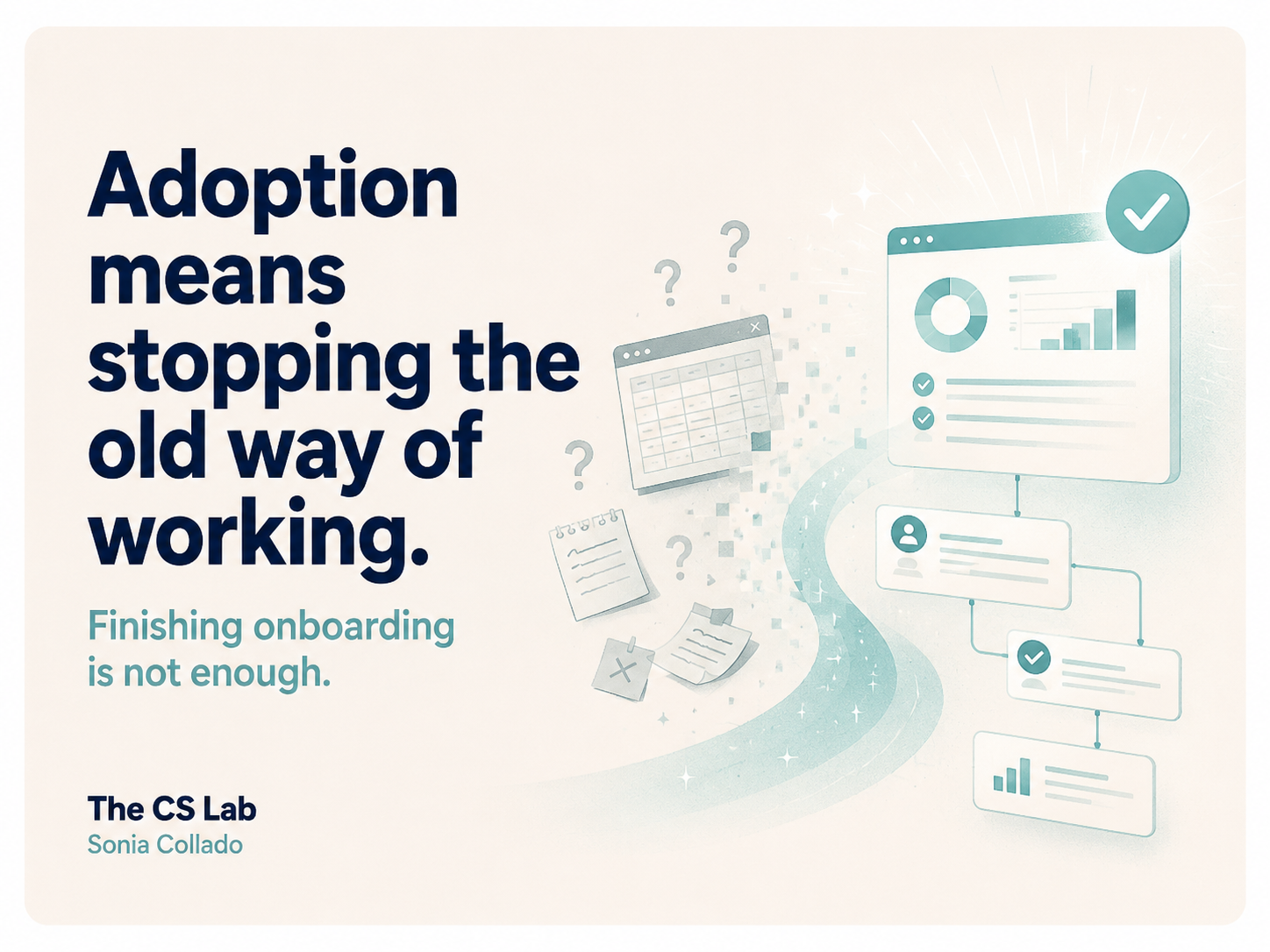
Adopting isn’t finishing. It’s replacing.
I recently read an article by Wispr Flow and they made it crystal clear, since it distinguishes two moments that we constantly mix up in adoption and should be able to identify to help our customer:
- The “aha” moment is when the customer thinks: this could replace what I do today.
- Activation is when they actually replace it.
Between one and the other there can be weeks, months, or the entire life of the contract, and most after-sales teams tend to always measure the first while we’re charging for the second.
Let’s pause on this moment, because its implication is important; and the thing is if no one adopts the product and they keep their way of working, because Onboarding measures your work, your efficiency, but customer adoption measures their change and that, mostly, measures whether they’ll renew.
And here comes the uncomfortable part
When you ask for the replacement of a workflow, you change your customer’s way of working with your solution that will save them time and/or money, or you’re asking them for something the customer didn’t buy.
The customer bought a result.What they probably didn’t buy, and often don’t even know they’re buying, is having to abandon a way of working they already master and face a new learning curve. Because that horrible, tedious, slow spreadsheet may be inefficient, but it works for them, they know how to handle it and, above all, it doesn’t make them look bad in front of anyone.
However, your tool, at first, does exactly the opposite: it slows down their routine, with rookie mistakes included, and with an audience on every call.
And this is where a hidden struggle comes in, this is where the customer who doesn’t want to be helped appears.
Signs of this that aren’t about attitude but resistance, the price of change you haven’t taken into account, are:
- They reschedule sessions.
- Says they’re swamped this month.
- They respond late.
- Your after-sales team starts to experience it as an attitude issue: “they’re just not collaborating”, “they don’t make an effort”.
And here’s a piece of advice: if you treat that cost as: a motivation problem, as more training, more reminders, more emails of “how are you?”,… you won’t lower the tension, but quite the opposite, you confirm it because every follow-up reminds them that you’re asking them to do something they don’t feel like doing.
What to do instead
1. Name the flow you’re going to kill. Write in one sentence what the customer does today and what they’ll stop doing. “Today Marta consolidates five sheets every Monday, but when this works, Marta will never open those sheets again.” If you don’t know how to write that sentence, you don’t have an adoption plan, you have a training plan.
2. One flow. Just one. A user who uses one thing a lot retains it better than one who touches five halfway. Plant the seed, but don’t push the second until the first is a habit. And the cases that aren’t theirs aren’t wasted: they’re the reason they introduce you to their colleague on another team.
3. Measure the moment the old dies, not the moment your checklist ends. It’s not “onboarding completed”. It’s “three consecutive weeks without opening the old sheet” or “the first report that is no longer done by hand”. Choose one and communicate it.
4. Break the belief live, not by email. Customers arrive with prejudices from all the previous tools that promised the same. To avoid it: sit down and watch how they actually use it, because from here you’ll see where they get stuck, where they give up, and what they do by hand without telling you.
How you know if it’s really happening
From experience I know these four steps can fail perfectly well, and the CSM finds out late. The question “How are you doing?” is the question everyone answers “fine” to. Don’t do it, ask for evidence.
- Agreed flow. The customer must be able to explain what they will stop doing when the solution works. If they can’t summarize it in one sentence, it’s not clear yet.
- Concentrated usage. Several people trying different things is curiosity. A team repeating the same flow consistently is adoption.
- Shared threshold. The definition of success must be written and agreed with the customer. If it only appears in your CRM, it’s not a shared commitment.
- Real change. Watch the customer using the tool. Half an hour watching how they work usually counts for more than months of access data.
And above all, the shutdown test.
Propose removing the old process. “Shall we turn off the sheet next month?”The answer is the complete diagnosis:
- If they say yes and set a date, you’ve replaced the flow.
- If they say yes but without a date, you’re in courtesy adoption.
- If a new reason appears every time you propose it, you haven’t replaced anything: you’ve added work on top of what they already had.
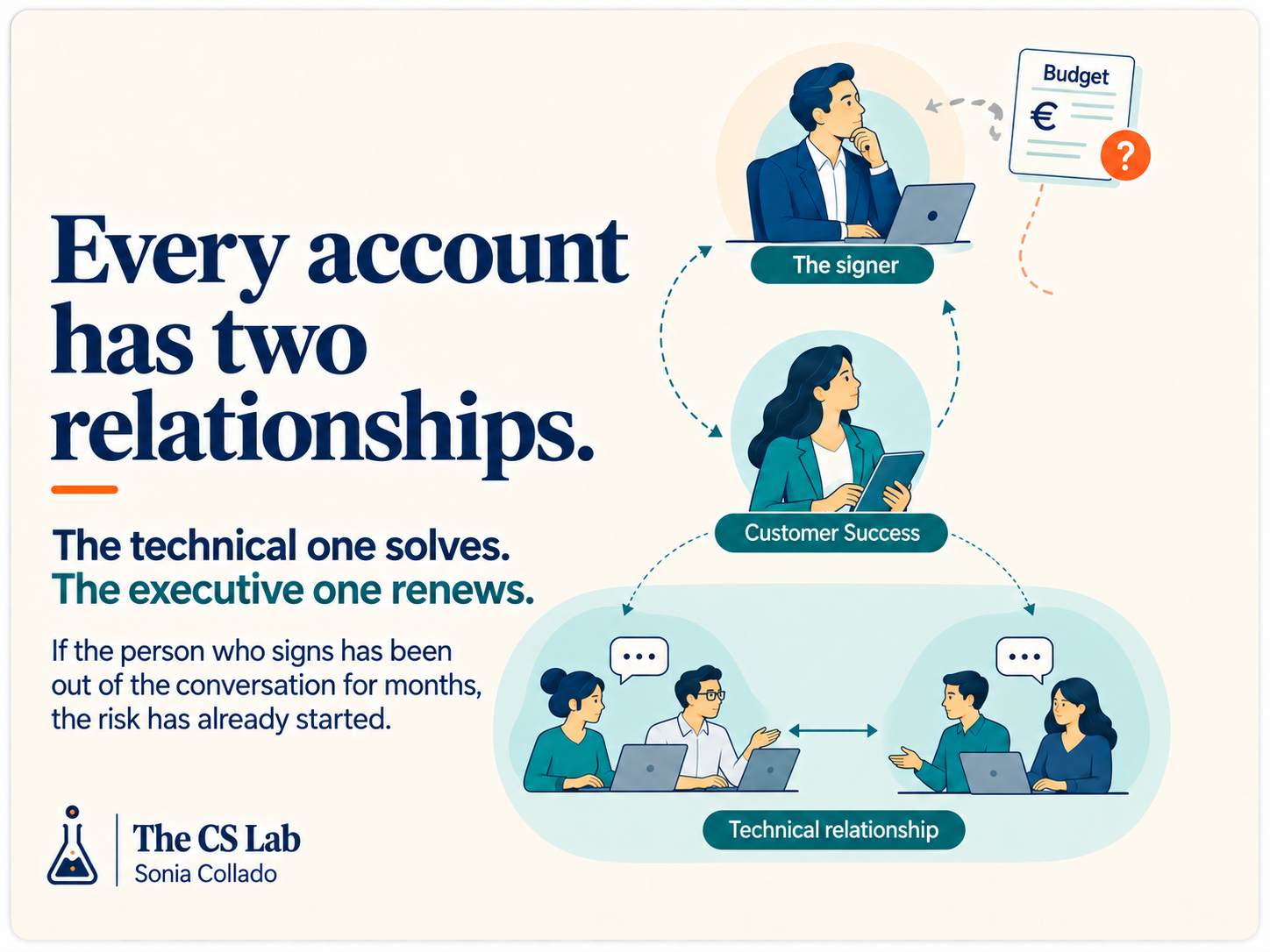
The hardest case: when the buyer isn’t the user
This dynamic happens frequently, and in many cases, management buys your product because it finally gives them a picture of what’s happening in their company, finally they can put data and value they didn’t have before, visibility of processes that lived in the heads of five people…
So they sign with enthusiasm to start as soon as possible.
And then the rollout begins.
And it gets stuck.Sound familiar: Schedules that don’t align, with “we’ll look at this after the quarter close”, with training sessions missing just the key people, with data that’s requested and arrives late and half-complete….
I normalized this situation at one point but the truth is it took me a while to understand it, and when I understood it it seemed obvious to me: middle management wasn’t rejecting the tool, they were protecting themselves from the picture.
And they had their reasons, yes.Because that visibility that management bought as an improvement is experienced three levels down as something very different: that from now on you’ll see how long their team really takes, where things actually get stuck, and what part of what they reported in committees was an optimistic estimate.
Remember before you start: you’ve asked them to install the instrument that will measure them, it will expose them without context, and on top of that you’ve asked them to collaborate enthusiastically.
How to recognize it
Here are three signs from my experience:
- Showcase adoption. It’s used the week before the committee where it’s reviewed. The rest of the month, nothing.
- Delegation downward. Middle management never touches it; they’ve “assigned” it to someone without authority to change anything.
- Questioning the data, not the process. Every finding is discussed in terms of methodology. “That number isn’t well calculated.” They debate the thermometer to avoid talking about the fever.
If you see any of the three, stop sending training reminders, because it isn’t training.
What to do
- Make the tool solve something for them, not just for their boss. Look for a use where middle management wins: that it saves them the monthly reporting they hate, that it gives them arguments for the headcount they’ve been asking for two years. If your product only reports upwards, it will always be their enemy, and yes, even if they also use it.
- Explicit and loud sponsorship. Someone from management has to say, in front of the team, that the old process has an expiry date and why. Without that phrase spoken publicly, your CSM is negotiating something that’s not in their hands. But prior sponsorship is important for adoption to exist; otherwise it’s just minimal compliance.
- The first use of the data can never be evaluative. If the first thing management does with the new visibility is point a finger at someone in a committee, you’re done. You’ve just made an enemy. The first use has to be to decide something, give resources or remove an obstacle. Never to ask for explanations.
- Let them present the finding. Let middle management bring the data to the committee, not you or the system. The same number, coming from their mouth, stops being a threat and becomes their judgment. It’s the cheapest change you can make and the one that moves the needle the most.
What matters
An account doesn’t adopt just because onboarding finishes or because users log into the tool.
An account adopts when the previous way of working stops being necessary. To achieve it, the CSM needs to identify which process must disappear, agree how the change will be measured and understand what each person might lose along the way.Because an account can have all indicators in green and keep working exactly the same as before.
Now open one of your accounts and answer this question:
What has this customer stopped doing thanks to your product?
If you can’t name it clearly, onboarding finished, but adoption hasn’t.
Tell me which old process is still alive in your accounts and what’s preventing you from turning it off.Artículos relacionados